
Mother’s Day Prep Checklist
Mother’s Day is one of the busiest times of the year for florists — and the right setup can make all the difference.
A little prep now can help you drive more orders, reduce last-minute stress, and keep operations running smoothly during the holiday rush.
This guide walks through the BloomNation tools you can use to get your website, pricing, delivery settings, and marketing ready for a successful Mother’s Day.
Watch our Mother’s Day prep webinar
If you haven't tuned in yet, our Mother’s Day Success Webinar is now available on demand! It's a great place to start if you want practical tips and platform guidance before the holiday rush.
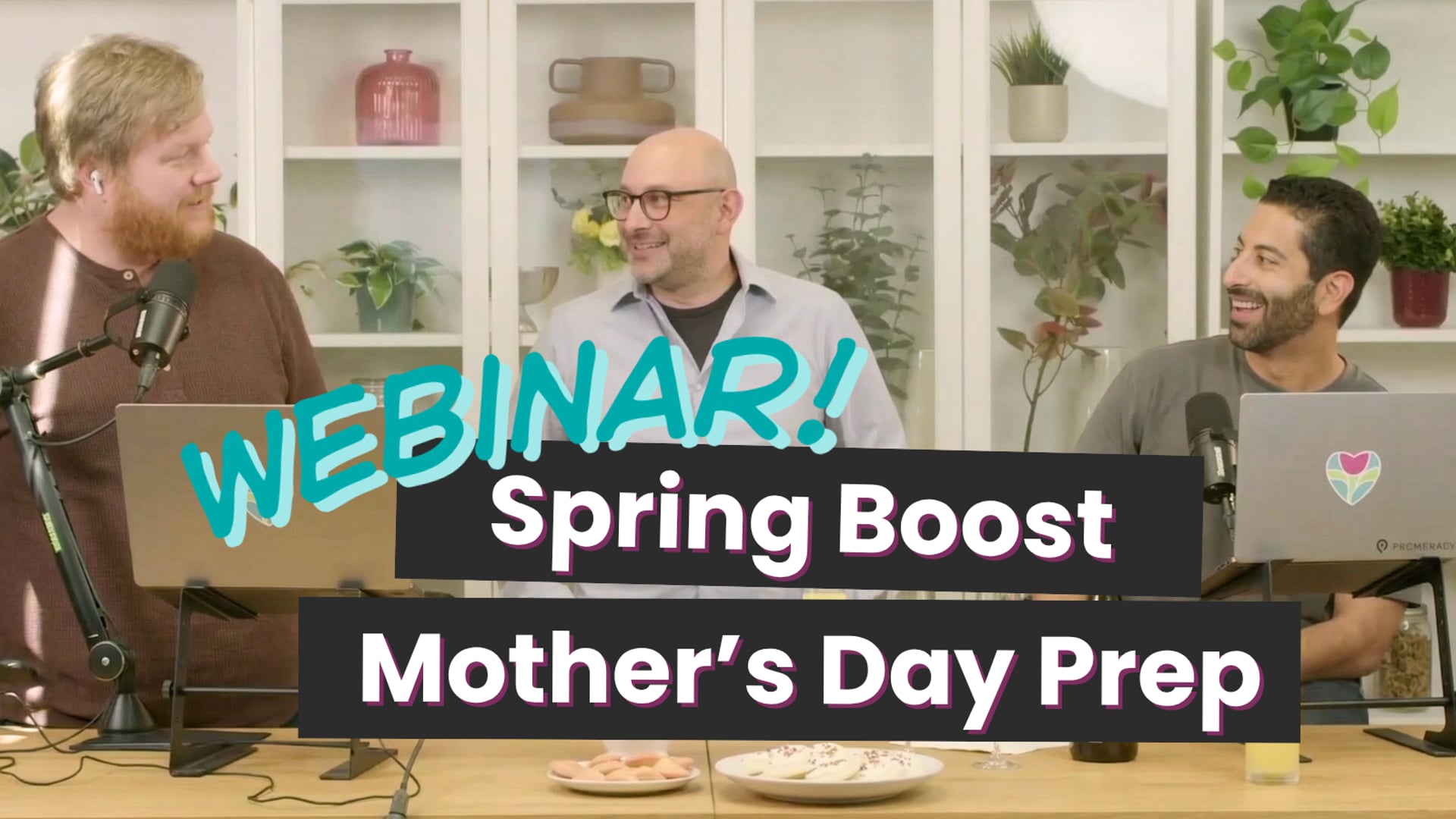 Watch the Mother’s Day webinar >>
Webinar: Spring Boost & Mother's Day Prep
Watch the Mother’s Day webinar >>
Webinar: Spring Boost & Mother's Day Prep
Your Mother’s Day prep guide
1. Get your products and website holiday-ready
Start by making it easy for customers to shop your Mother’s Day offerings. Your website should clearly highlight holiday products, communicate important updates, and help customers quickly find what they need.
-
Add a site announcement
Share important details like order deadlines, limited availability, or pre-order perks right on your website.
Go to Site Announcements >> -
Feature your Mother’s Day products
Highlight your holiday arrangements so customers can find them quickly and shop with confidence.
Go to Product Organizer >> -
Update your website banners
Add seasonal banners to promote Mother’s Day shopping, pre-order deadlines, or special offers.
Learn how to update website banners >> -
Review your shop policies
Clear substitution, delivery, and refund policies help set expectations early and reduce confusion during peak volume.
Learn how to update your shop policies >> -
Manage inventory and mark items out of stock
If certain flowers or designs become limited, update availability so you can avoid overselling and keep your catalog accurate.
Learn how to manage inventory and mark items out of stock >>
2. Optimize pricing and increase order value
Mother’s Day is a key opportunity to protect margins while still serving a range of budgets. Review your pricing in advance and make sure your products are set up to support both profitability and flexibility.
-
Set holiday pricing rules
Update pricing to reflect seasonal demand, product costs, and holiday availability.
Go to holiday pricing settings >> -
Offer multiple price points
Giving customers a few pricing options can help you capture more orders while protecting your margins on higher-value designs.
Go to Products >> -
Add upgrades and add-ons
Encourage larger basket sizes with thoughtful upgrades and gift add-ons like chocolates, candles, or balloons.
Learn how to set up add-ons >>
3. Set up delivery and fulfillment for success
Clear delivery settings can help you avoid overbooking, set accurate expectations, and keep orders flowing smoothly throughout the holiday weekend.
-
Add blackout dates
Block dates when you are not able to fulfill orders so customers cannot place orders for unavailable days.
Learn how to add blackout dates >> -
Review delivery settings
Make sure your same-day cutoff times, delivery fees, delivery windows, and service areas reflect your Mother’s Day schedule and capacity.
Learn how to update delivery settings >> -
Promote pickup where it helps
Pickup can help reduce delivery strain and create more flexibility during peak volume.
Learn how to update pickup settings >> -
Temporarily close your shop if needed
If you reach capacity, you can temporarily pause online ordering, or close both online and in-store ordering, depending on what your shop needs.
Learn how to close your shop >>
4. Drive early orders with marketing tools
Encouraging customers to order early can help you better manage inventory, staffing, and delivery capacity. BloomNation helps promote your shop through built-in marketing programs.
-
Make sure your marketing preferences are up to date
BloomNation can include your shop in consumer email and SMS campaigns. Make sure you are opted in so your shop can be featured where eligible.
Go to marketing preferences >> -
Set up a customer loyalty program
Mother’s Day brings in many first-time customers. A loyalty program helps you turn those one-time buyers into repeat customers throughout the year.
Learn how to set up customer loyalty >>
Frequently asked questions
How do I temporarily close my shop?
You can pause online ordering or close both online and in-store operations depending on your needs.
Learn how to close your shop >>
How do I prevent customers from ordering for certain dates?
Use blackout dates and mark items out of stock to control availability.
How can I manage delivery expectations during Mother’s Day?
Review your delivery zones, fees, and cutoff times, and adjust based on your capacity.
Need a hand?
If you need help setting up any of these features, our Partner Support Team is here for you.
Phone: (210) 405-5050
Email: support@bloomnation.com