
Lili Assistant: Reply to Customer Reviews

Overview
Lili can help you respond to customer reviews quickly and professionally.
When replying to reviews in your BloomNation dashboard, Lili can generate suggested responses based on the content of the review. This can help you acknowledge positive feedback, address concerns, and maintain consistent communication with your customers.
You remain in control of the final response. You can regenerate suggestions, apply them, and edit the text before posting your reply.
Video walkthrough
Watch this quick walkthrough to see how Lili can help you generate review replies.
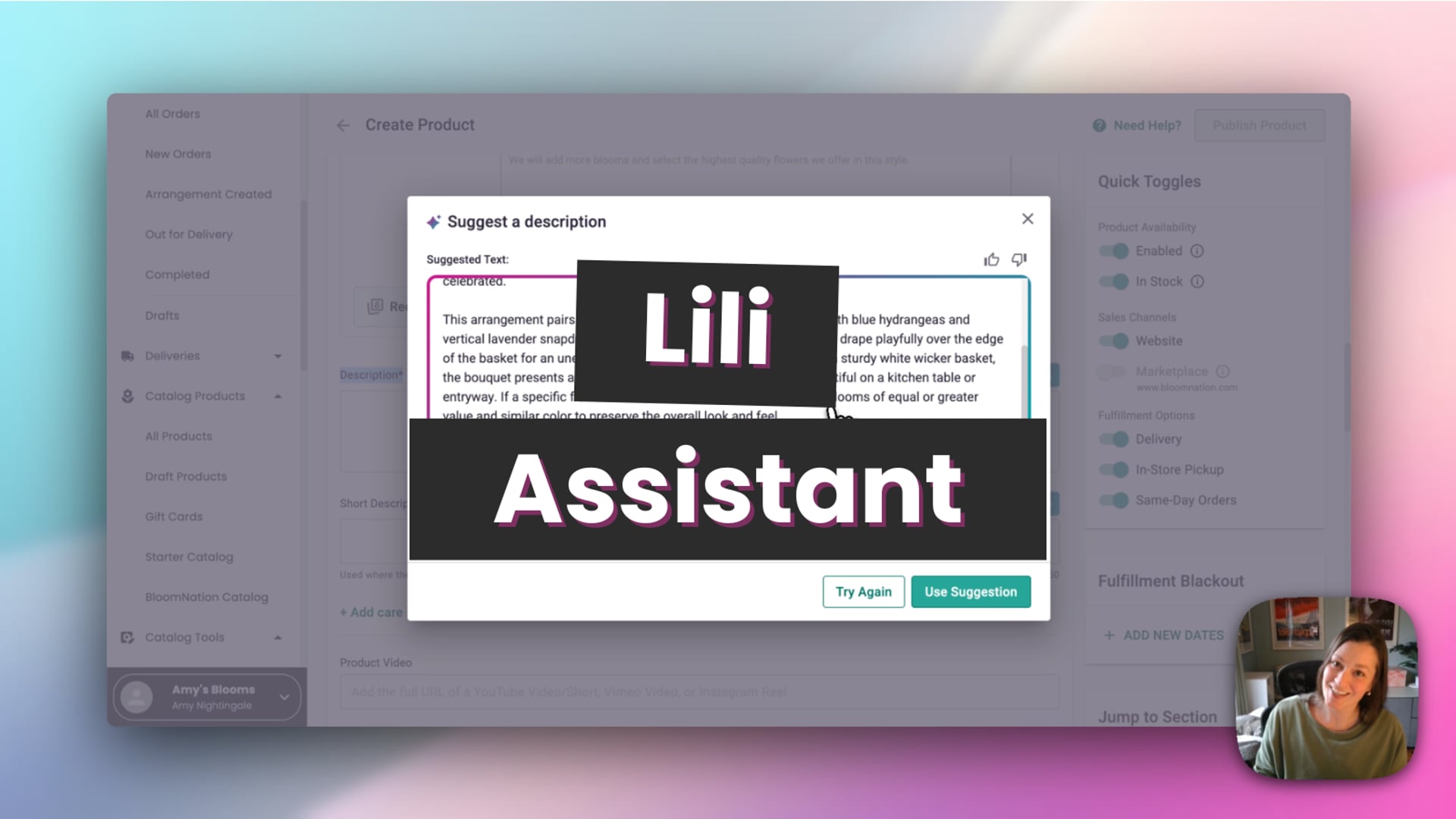 Lili Assistant
How to use Lili for review replies
- Go to your Dashboard.
- Select Reputation.
- Click Reviews.
- Open the review you want to reply to.
- Click Suggest Reply.
Lili will generate a suggested response based on the review.
Review and apply a suggestion
When the suggestion appears, you will see several options:
- Try Again – Generate a different response
- Use Suggestion – Apply the response to your reply field
- Thumbs Up / Thumbs Down – Provide feedback on the suggestion
If you click Use Suggestion, the response will be added to the reply field where you can edit it before posting.
Adjust settings for a specific reply
Inside the suggestion window, you can also click Adjust Settings.
This allows you to customize the suggestion for that specific reply by:
- Adjusting the tone
- Adding special instructions
These settings only apply to the suggestion you are generating.
Post your reply
Once the suggestion has been applied, you can edit the text directly in the reply field.
When you're satisfied with the response, click Post Reply to publish it.
Tips for responding to reviews
- Thank customers for positive feedback
- Acknowledge concerns if an issue is mentioned
- Edit Lili's suggestions to personalize your response
- Use Try Again if you'd like a different tone or wording
Related articles
- Introducing Lili: BloomNation’s AI-Powered Assistant
- Use Lili to Create Product Descriptions and Details
- Suggest Card Messages with Lili in POS
Need help?
If you have questions about using Lili for review replies, our Partner Support team is here to help.
Phone: (210) 405-5050
Email: support@bloomnation.com