
Introducing Lili: BloomNation’s AI-Powered Assistant

Overview
Lili is BloomNation’s built-in AI assistant designed to help you work faster and manage everyday tasks more efficiently.
Lili appears throughout the BloomNation dashboard and POS, where it can generate helpful suggestions and assist with common tasks. In many cases, this includes generating written content, helping you respond to customers, or assisting with product setup.
You always remain in control of the final result. You can review, edit, or regenerate Lili’s suggestions before saving or publishing them.
We will continue expanding Lili’s capabilities over time, so you may see new features appear in additional areas of the platform.
Video walkthrough
Watch this quick walkthrough to see how Lili works across the BloomNation dashboard and POS.
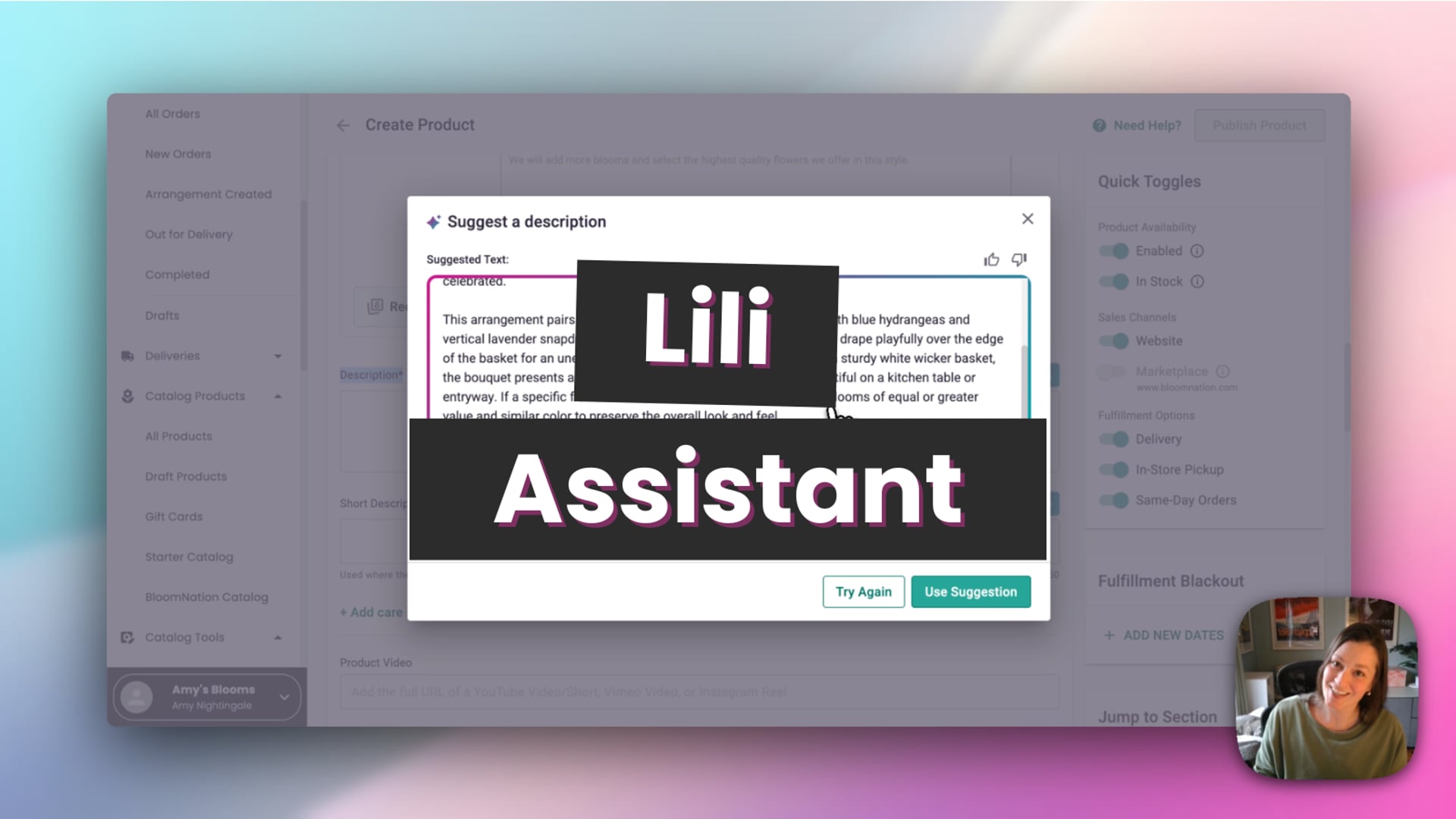 Lili Assistant
Where you’ll see Lili
Lili appears directly inside the tools where it can assist you.
Currently, you may see Lili in places such as:
- Product Catalog – Generate product descriptions and help organize product details

- Review Management – Suggest responses to customer reviews

- POS Orders – Suggest card messages when creating an order

When Lili is available on a page, you’ll see an option to generate a suggestion. You can apply the suggestion, edit it, or generate another version.
How Lili suggestions work
When you ask Lili for a suggestion, it generates content based on the information available in your BloomNation account and the context of what you’re working on.
After a suggestion is generated, you can:
- Use the suggestion as written
- Edit the text before saving
- Generate another suggestion
- Provide feedback using the thumbs up or thumbs down buttons
Your feedback helps improve future suggestions.
Managing your Lili settings
You can customize how Lili works by adjusting your Lili Settings.
To access your settings:
- Go to your Dashboard
- Click My Shop
- Select Lili Settings
These settings allow you to guide how Lili generates suggestions across the platform.
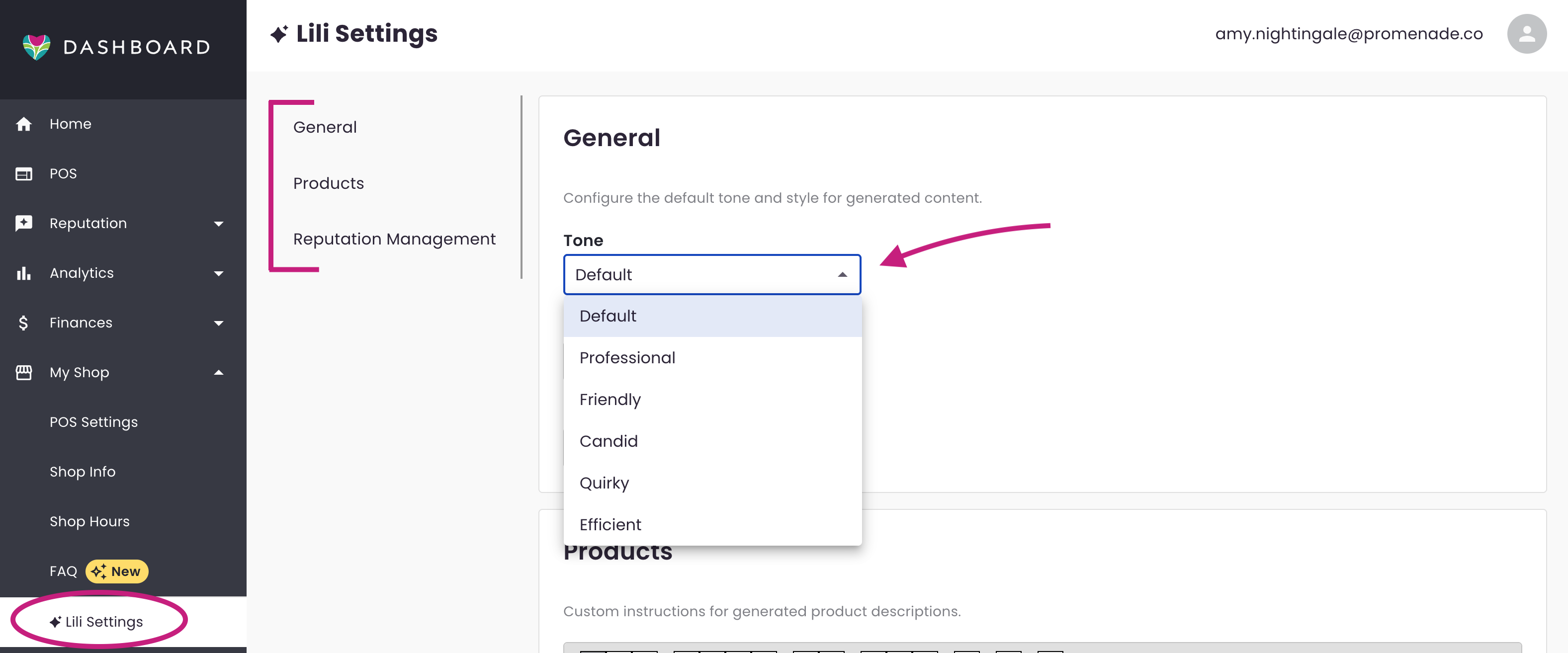
Tone settings
You can adjust the tone Lili uses when generating messages. This helps match the style of communication you prefer for your shop.
Product instructions
The Products section allows you to add custom instructions that Lili should consider when generating product-related content.
For example, you could include instructions such as:
- Mention your shop’s substitution policy
- Include specific product details you commonly reference
Lili will use these instructions when generating product-related suggestions.
Reputation management instructions
The Reputation Management section allows you to guide how Lili writes responses to customer reviews.
For example, you could instruct Lili to:
- Reference your website
- Mention contacting your shop for assistance
Lili will use information already stored in your BloomNation account when generating responses.
Tips for using Lili
- Review suggestions before saving or publishing
- Generate another version if you want different wording
- Add instructions in Lili Settings to guide how suggestions are generated
Lili is designed to assist your workflow and help you get started quickly, while still giving you full control over the final result.
Next steps
To learn more about how Lili works in specific areas of BloomNation, see these guides:
- Using Lili to write product descriptions
- Replying to reviews with Lili
- Suggesting card messages with Lili in POS
Need help?
If you have questions about using Lili, our Partner Support team is here to help.
Phone: (210) 405-5050
Email: support@bloomnation.com