
Split Payments in BloomNation POS
Using Split Payments with BloomNation POS
Learn how to split payments across multiple methods in your in-store checkout.
Split Payments gives your customers more flexibility by allowing them to pay for an order using multiple payment methods. Whether it’s combining a gift card with a credit card, or splitting the total between cash and card, the BloomNation POS makes it easy to handle all payment scenarios.
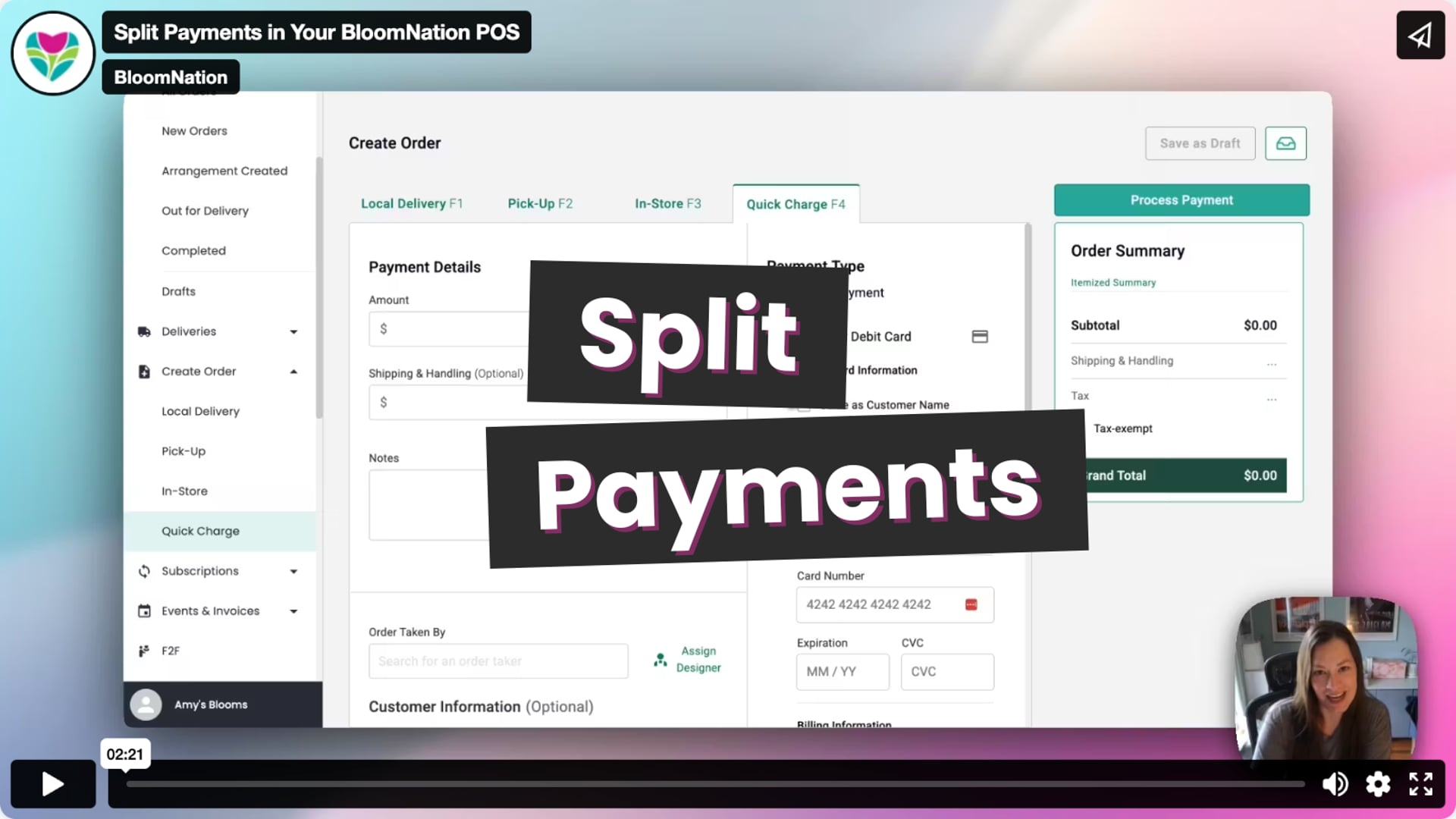 Split Payments in Your BloomNation POS
What Is Split Payment?
Split Payment allows you to process an order using more than one payment method. You can combine:
- Credit/Debit Card
- Cash
- Check
- Gift Card
- Other
Note: Split payment functionality is only available in POS. It is not available for website orders unless a gift card is used that does not cover the full amount (see below).
How to Start a Split Payment (POS Only)
-
Begin a new order in your POS.
-
After entering all required information, click the Split Payment toggle.
-
The system will create an unpaid order and open the split payment sidebar.
-
Select a payment method and enter the amount.
-
Continue until the full amount is paid.
-
The order is marked as paid when the remaining balance reaches $0.
You can return to the unpaid order later to complete the transaction if needed.
What About Website Orders?
-
Customers cannot choose to split payments on their own during online checkout.
-
If they enter a gift card that does not cover the full order, they will be prompted to pay the remaining balance with another method. This is the only supported split payment scenario for online orders.
Refunds & Adjustments
-
Refunds can be issued to the original payment method(s) used.
-
You can view all payment records in the order details.
Tracking and Reporting
-
Orders with split payments are clearly labeled in your reports.
-
Each payment method is listed separately.
FAQs
Can customers split payments on the website?
Not directly. Split payments only occur online when a gift card is used that doesn’t cover the full total.
Can I refund to multiple payment types?
Yes, with assistance from BloomNation support. Contact us for help refunding a split payment.
Is there a limit to how many payment types can be used?
There is no hard limit, but the goal is to simplify the transaction for both you and the customer.
Will I see split payments in my reports?
Yes. Split payment orders will be marked as such, and each payment method will be tracked individually.
Need help using split payments in your shop? We’re here for you!
-
Email: support@bloomnation.com
-
Phone: (210) 405-5050