
How to Use a House Account With Your BloomNation Florist
How to Use a House Account With Your BloomNation Florist
Some florists offer house accounts, which let you place orders now and pay later through a monthly billing cycle. A house account must be set up directly by your florist — customers cannot create one on their own.
If your florist has created a house account for you, you can use it for purchases, view your balance, check statements, and make payments directly on the florist’s website.
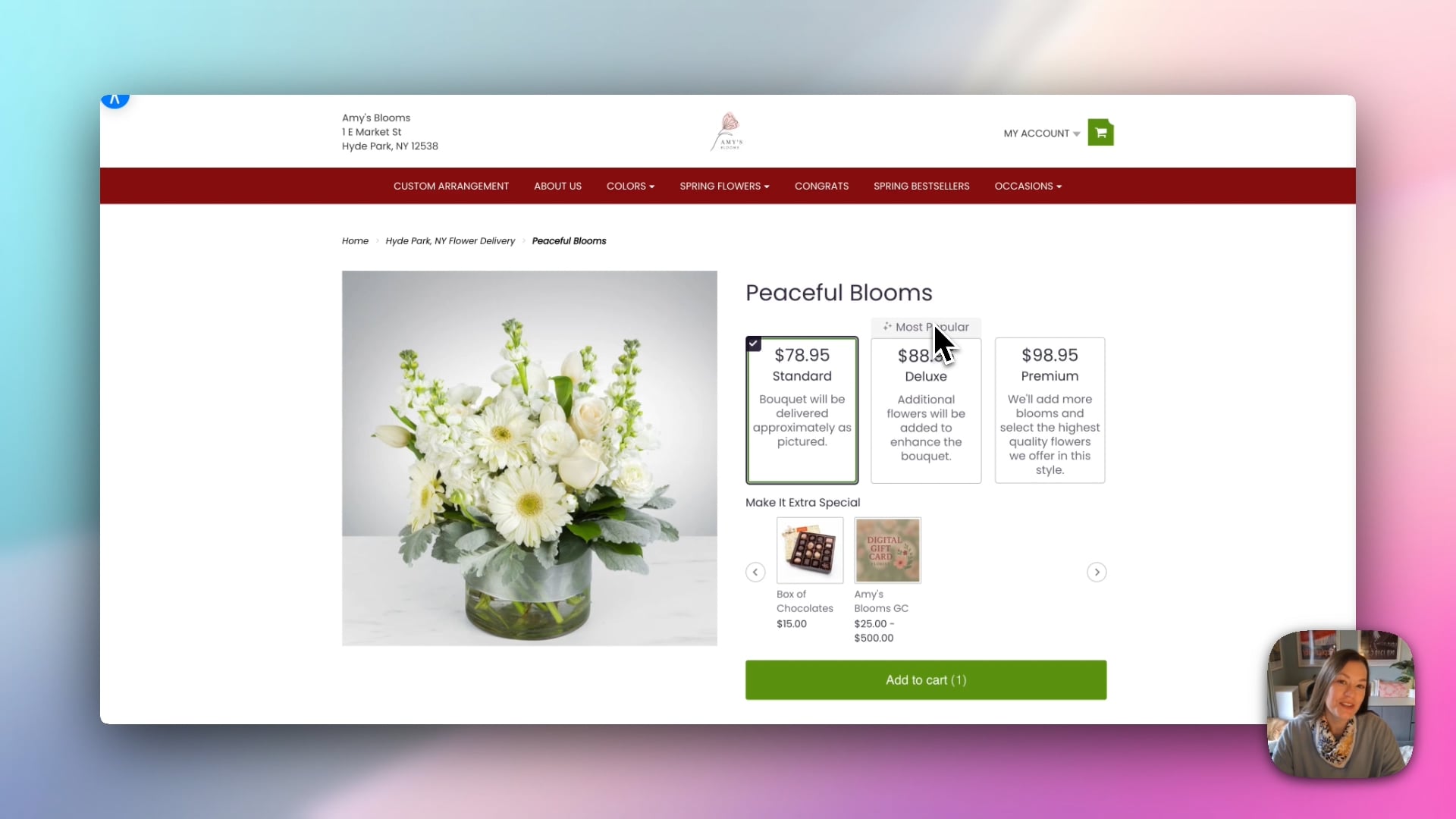 How to use a House Account with your local BloomNation Florist
Using Your House Account for Purchases
- Go to your florist’s website
Visit the website of the florist who set up your house account. - Sign in with the correct email address
Log in using the email that your florist linked to your house account. This ensures the house account payment option appears. - Add items to your cart and begin checkout
Shop as usual, then proceed to checkout and enter the order and recipient details. - Select “Charge to House Account” at checkout
In the payment step, choose the option to charge the order to your house account. If you don’t see this option, double-check that you are logged in with the correct email address. - Place your order
The purchase will be added to your account balance and included on your next statement.
Managing Your House Account
Once you are logged in, go to My Account → House Account to see all of your account details.
Account Overview
The House Account dashboard typically shows:
- Current Account Balance – The total amount you currently owe.
- Available Credit and Account Limit – How much of your spending limit is still available.
- Billing Cycle – The date range for your current billing period.
- Next Payment Due Date – The upcoming due date for your balance.
- Primary Billing Contact – The name associated with the account.
- Florist Contact Information – The florist’s business name, phone number, and email address for any questions.
Statements
In the Statements section, you can view and download your monthly billing statements. These typically include:
- Statement number
- Billing cycle
- Payment due date
- Total amount due
From this section, you can usually:
- Download a PDF version of a statement.
- View the statement directly on the website.
Account Activity
The Account Activity tab shows a detailed history of:
- Orders charged to your house account
- Payments made
- Adjustments or credits
This provides a clear view of how your account has been used over time.
Making a Payment
To pay your house account online:
-
Go to My Account → House Account.
-
Select Make a Payment.
-
Choose whether to:
- Pay your full balance, or
- Enter a custom amount.
-
Select your payment method:
- Add a new credit card
- Use a saved credit card
- Link an ACH bank account (if available)
-
Click Process Payment. Your payment will be applied to your balance.
Need Help?
If you have questions about your balance, billing cycle, or using your house account, please contact your florist directly. They can assist with any account-specific details or updates.