
Create a Blog in Website Manager
Updated
Create a Blog in Website Manager
You can easily add a blog to your BloomNation website using Website Manager. A blog helps you share updates, showcase your work, and improve your site’s SEO.
Feature Walkthrough: Create a Blog
Watch this video to learn how to create a new blog in Website Manager.
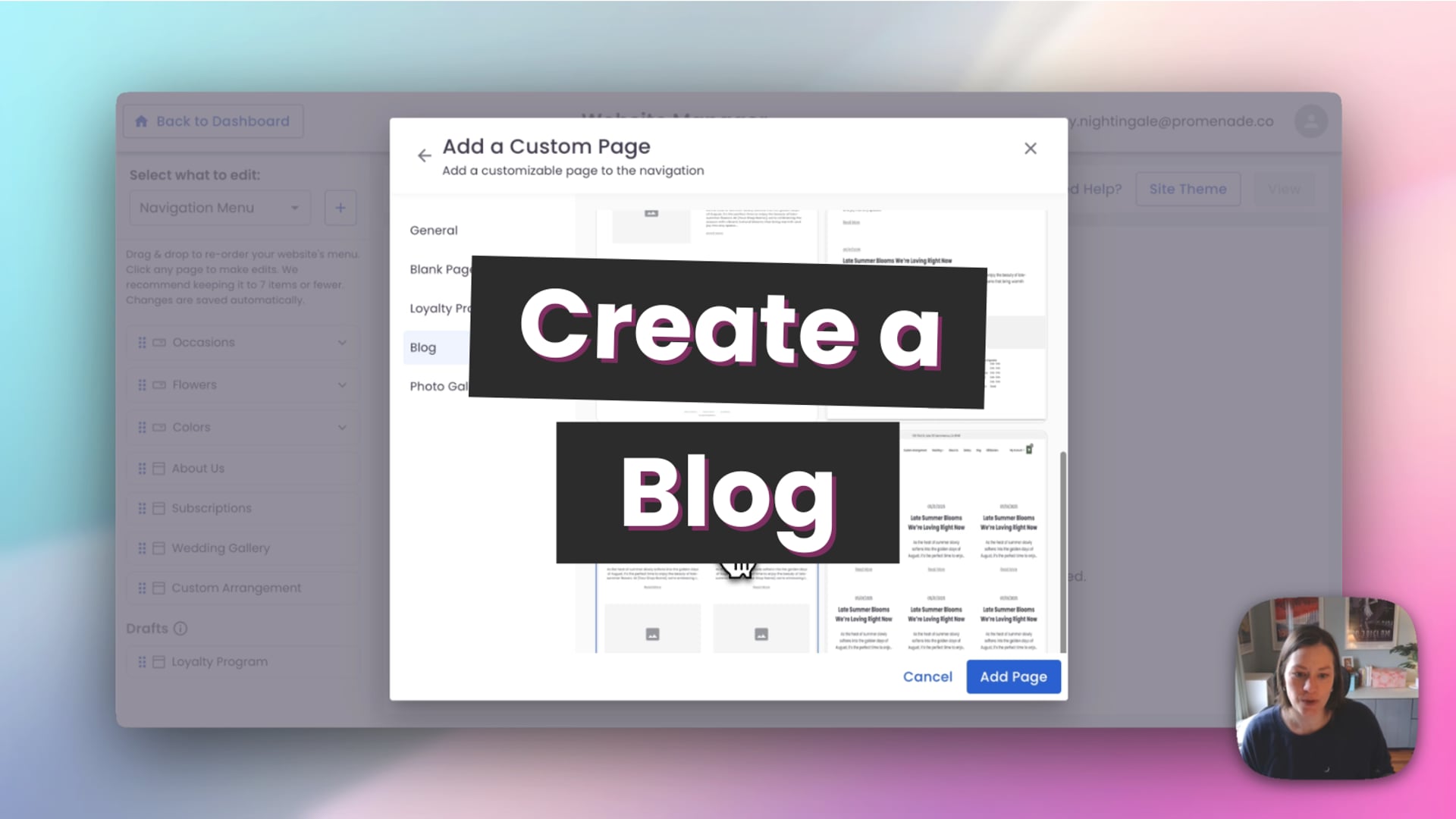 Create New Blog
How to Create a New Blog
- Log in to your BloomNation dashboard.
- Go to My Website → Website Manager.
- Click Edit Website.
- Click the + (plus) button to add a new page.
- Select Blog from the page options.
- Enter a name for your blog.
- Choose a blog template.
- Click Add Page.
Your blog will now be created and added to your Website Manager.
Manage Blog Settings
Once your blog is created, you can adjust its settings:
- Display Name: Update how your blog appears in your navigation.
- Navigation Visibility: Choose whether to show or hide your blog in your website menu.
- SEO Settings: Customize your blog’s title and description for search engines.
BloomNation will automatically generate basic SEO settings, but you can customize them if needed.
Publish Your Blog
When you’re ready:
- Click the three dots (•••) on your blog page.
- Select Publish.
Your blog will now be live on your website and ready for posts.
Note
- If you do not see the Blog option, your website may already have a blog created.
- You can manage all blog posts from the Blog section inside Website Manager.