
Getting Started with Instacart
Overview
BloomNation has partnered with Instacart so customers shopping in the Instacart floral category can place orders from your shop. When an order comes in, it is picked up from your shop by an Instacart driver or the customer themselves and delivered — no delivery logistics on your end.
If you choose to enroll, orders will appear in your BloomNation Dashboard alongside your other orders, and you keep full control over which products you offer and how they’re priced.
Video walkthrough
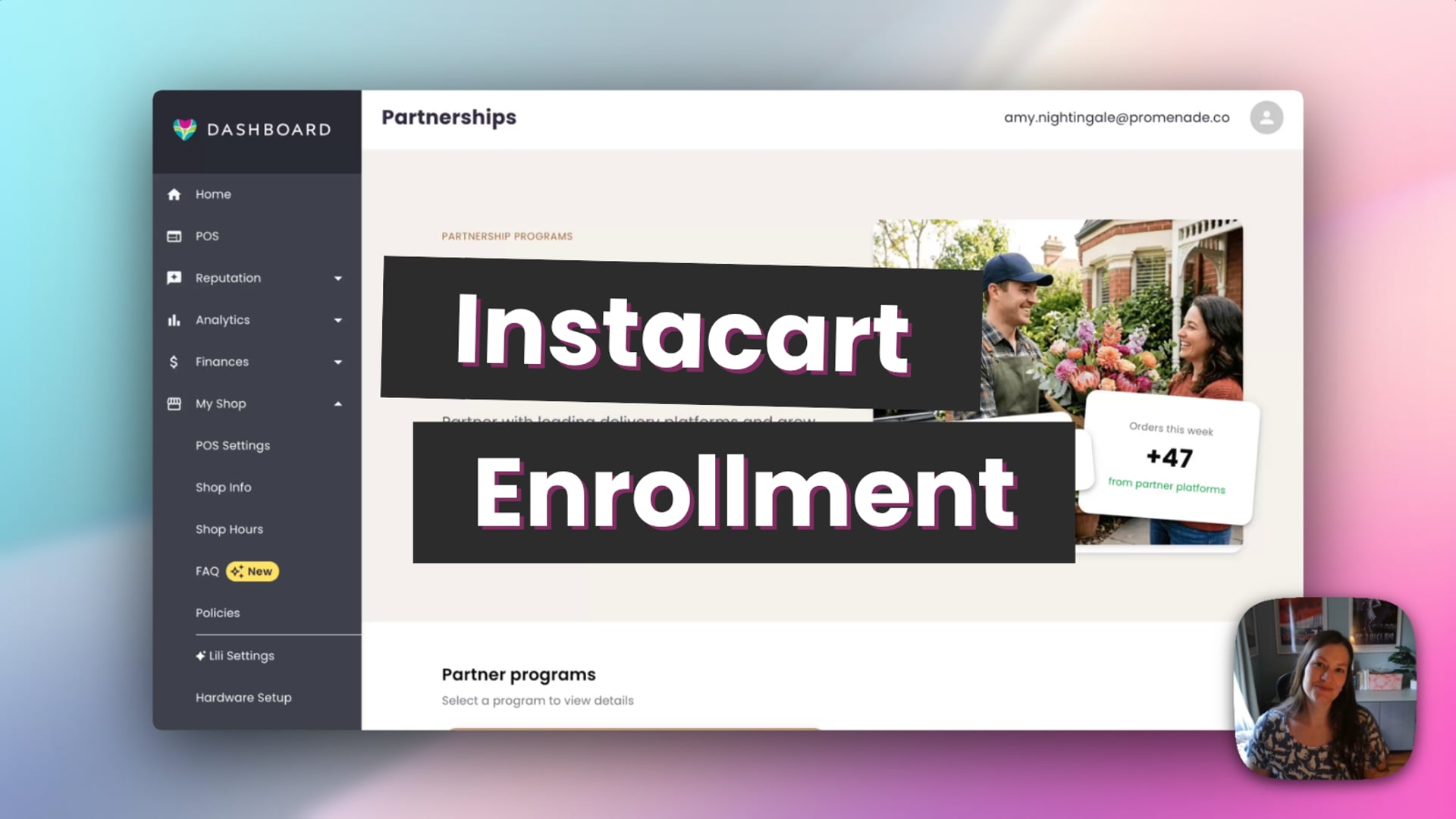 Instacart Enrollment
Eligibility
To participate in the Instacart partnership, your shop must:
- Be a retail florist with a physical location — the pickup person needs a storefront to collect from
- Be located in the United States
Studio florists and home-based shops are not eligible at this time.
How to enroll
Note: The option to enroll is only visible to shop owners. If you don’t see the Get started with Instacart button, make sure you’re logged in as the account owner.
- Go to your Dashboard.
- Under My Shop, go to Partnerships.
- Find the Instacart section and click Get started with Instacart.
- A modal will open. Review the program overview and click Get Started to proceed.
- Choose how you want your products listed on Instacart (see Choosing your product listing below).
- Review your settings, agree to the Instacart partner terms, and click Enroll now.
Choosing your product listing
During enrollment, you’ll choose how your products are listed on Instacart. You can change this at any time after enrolling.
BloomNation curated
Our team selects your best-performing eligible products for you. This is the quickest way to get started — we handle the selection so you can begin receiving orders as soon as you’re live.
Specific products
Choose exactly which products from your catalog appear on Instacart. This option gives you full control from the start.
Either way, you can always go back and adjust your product selection after enrollment.
What happens after you enroll
Enrolling submits your application — it does not immediately put your shop on Instacart. After you submit:
- Your status will show as Applied
- You’ll receive an email when your shop is activated and live on Instacart
- Activation typically takes one to four weeks
While you’re waiting, you can go to Partnership Products in your catalog to review and adjust which products will be listed.
Managing your Instacart products
After enrolling, you can manage which products appear on Instacart at any time.
- Go to your Dashboard.
- Select Catalog Products.
- Click the Partnership Products tab.
- Select the Instacart tab to see your current listing.
- Use the Actions menu to show or hide individual products from Instacart.
From this view, you can filter by Instacart-enabled, recommended, or all eligible products.
Product eligibility
Not all products can be listed on Instacart. The following are not eligible:
- Inactive products
- Cross-sell-only products (balloons, chocolates, and similar add-ons)
- Products containing alcohol
- Gift cards
- Sympathy pieces made for a service — casket sprays, standing sprays, easel arrangements, and “for the service” arrangements
- Products that are not available for in-store pickup
The following are eligible but not recommended for Instacart:
- Tall arrangements
- Products not available for same-day orders
- Products with delivery turned off
- Products hidden on both the BloomNation marketplace and your own website
- Arrangements over 30 inches in any direction, or over 4 cubic feet in total
- Products with a prep time of more an hour
Instacart is an on-demand channel, so products that take a long time to prepare or are difficult to transport in a standard vehicle are a poor fit for the program.
Pickup by driver or customer
Instacart orders may be picked up by an Instacart driver or by the customer directly. The order details will tell you which to expect when the order comes in, so there are no surprises. Either way, your responsibility is the same — have the arrangement marked ready before the pickup window closes.
Payouts
Instacart orders are paid out through BloomNation the same way as your other orders. There is no separate banking setup required. Instacart orders operate on a revenue share model based on your product pricing — see the Partnerships page for details.
- If you have instant payouts enabled, funds are sent to your bank account immediately.
- If not, payouts follow the standard two-business-day schedule.
Unenrolling
You can unenroll from the Instacart program at any time from the Partnerships page. Note that removal from the Instacart platform may take two to four weeks to process. Any orders received during that time must still be fulfilled.
Frequently Asked Questions
Is participation required?
No. Enrolling in the Instacart partnership is completely optional.
Who is eligible to enroll?
Any retail florist in the United States with a physical storefront. Studio florists and home-based shops are not eligible.
How long does activation take?
Activation typically takes one to four weeks after you submit your application. You’ll receive an email when your shop is live on Instacart.
Can I change my product selection after enrolling?
Yes. You can update your Instacart product listing at any time from Partnership Products in your catalog. Please note, changes may take up to 6 hours to be reflected on Instacart.
Will Instacart orders affect my existing website orders?
No. Instacart reaches customers who are already shopping on the Instacart platform.
Will these orders appear in my third-party POS system?
No. Instacart orders are managed through your BloomNation POS only and are not sent to third-party POS systems.
Can I offer add-ons like balloons or chocolates on Instacart?
Not at this time. Cross-sell-only products are not eligible for Instacart. Only floral arrangements can be listed.
Who picks up the order?
It may be an Instacart driver or the customer themselves. The order details will tell you which to expect when the order comes in.
Related articles
Need help?
If you have questions, our Partner Support team is here to help.
Phone: (210) 405-5050
Email: support@bloomnation.com