
Troubleshooting
Updated
Diagnostic Information
In this article you will learn how to quickly access diagnostics information to identify the root of any potential browser issues. This can be especially useful when communicating with our support engineers or troubleshooting dashboard performance issues.
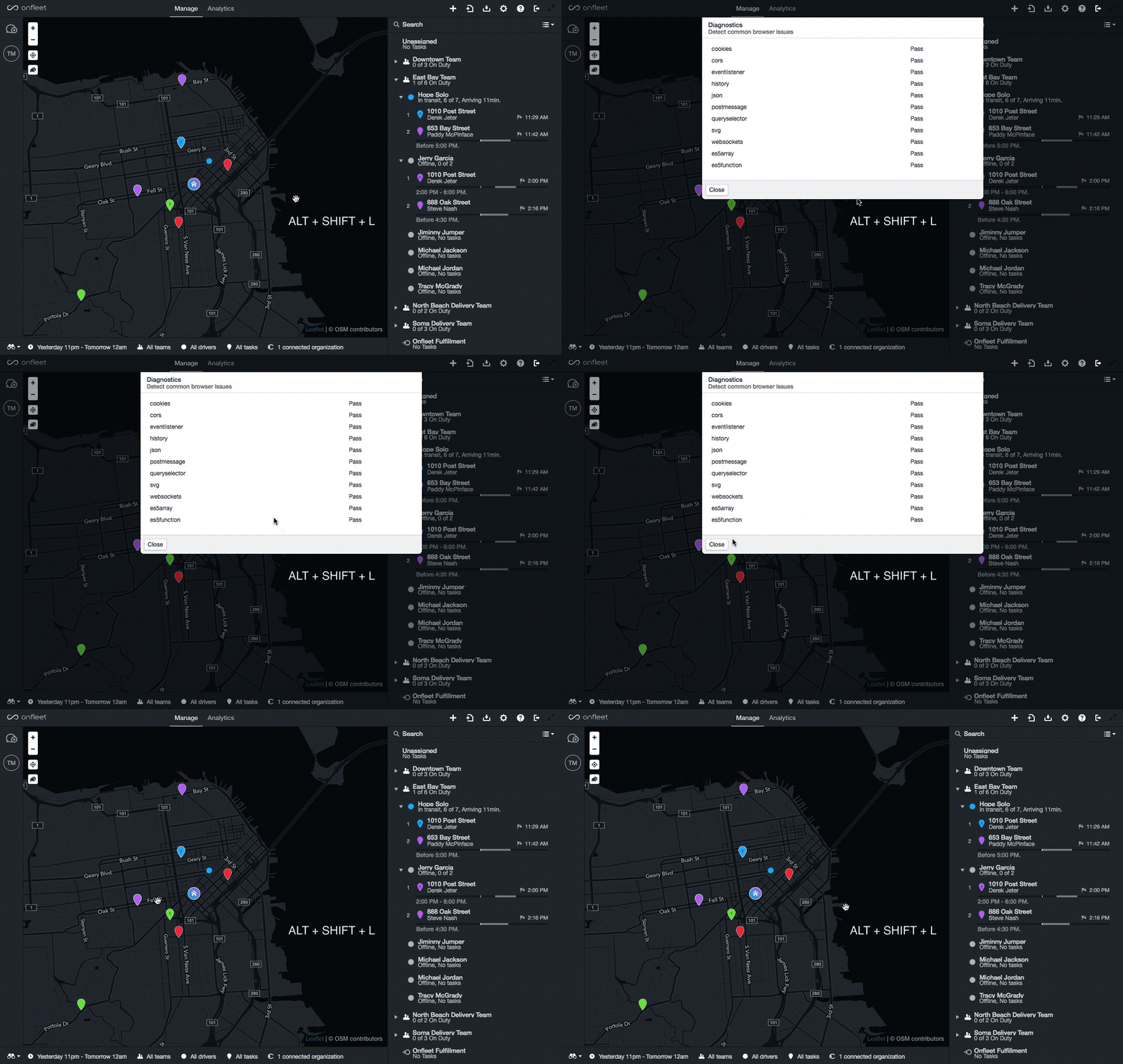
To access the diagnostics report, simply use the keyboard shortcut ALT + SHIFT + L to see the most current report.
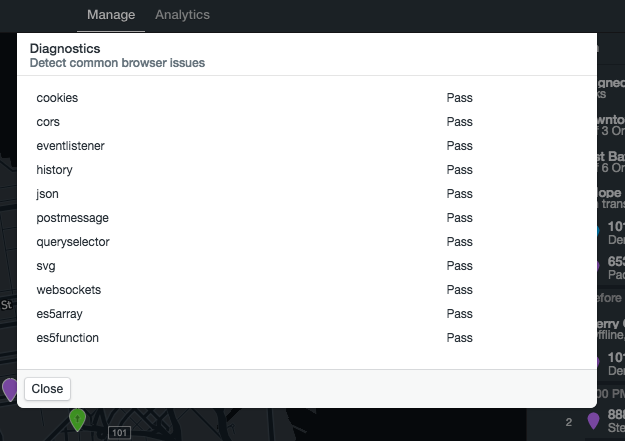
This is an example of the diagnostic report. You can simply screenshot this and send to our Bloom Experts when attempting to troubleshoot dashboard issues.
Where to reach us
If you still have questions or need help troubleshooting, you can reach a Bloom Expert by submitting a ticket here . Remember to include your screenshot when you submit your ticket!