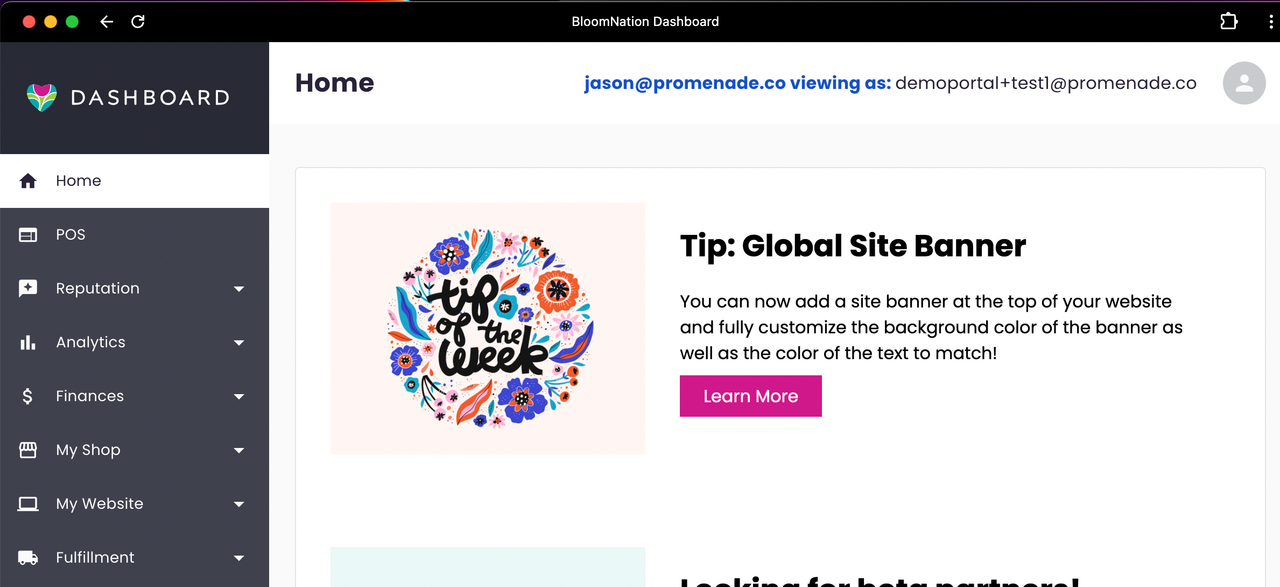
Dashboard App (PWA)
Updated
The BloomNation Dashboard has a Progressive Web App (PWA) available for download so you can use it as a desktop application.
To install:
-
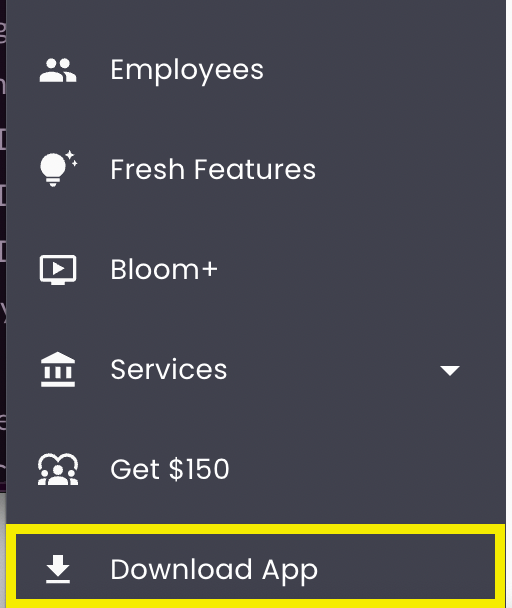
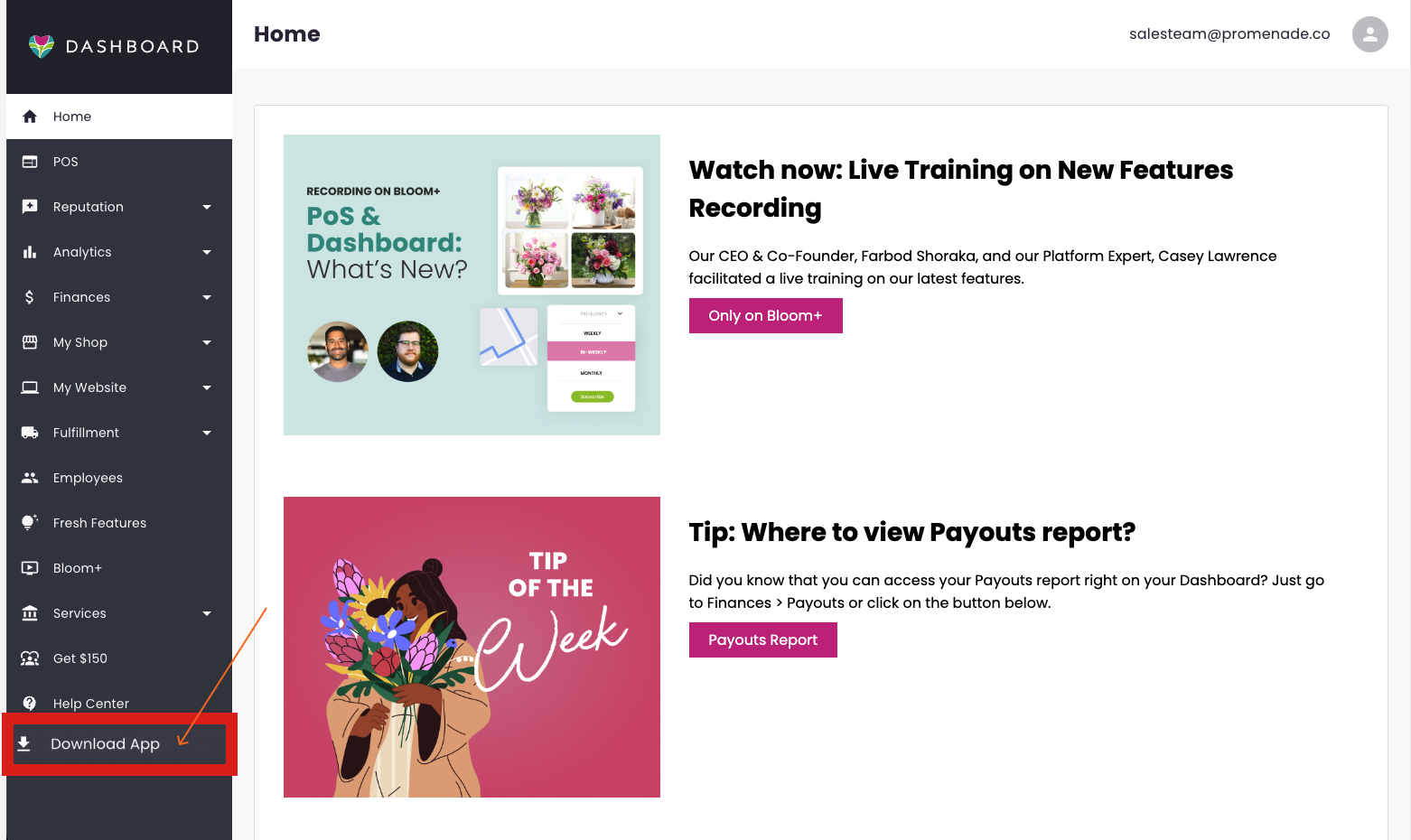
At the bottom of your navigation sidebar, click on “Download App”
- NOTE: There may be a short delay before it appears, and it will not show on Safari or Firefox.
- If you are using Chrome and the "Download App" does not show up, you can also click on this icon on the URL bar:
- If you are using Edge and the "Download App" does not show up, you can also click on this icon on the URL bar:
-
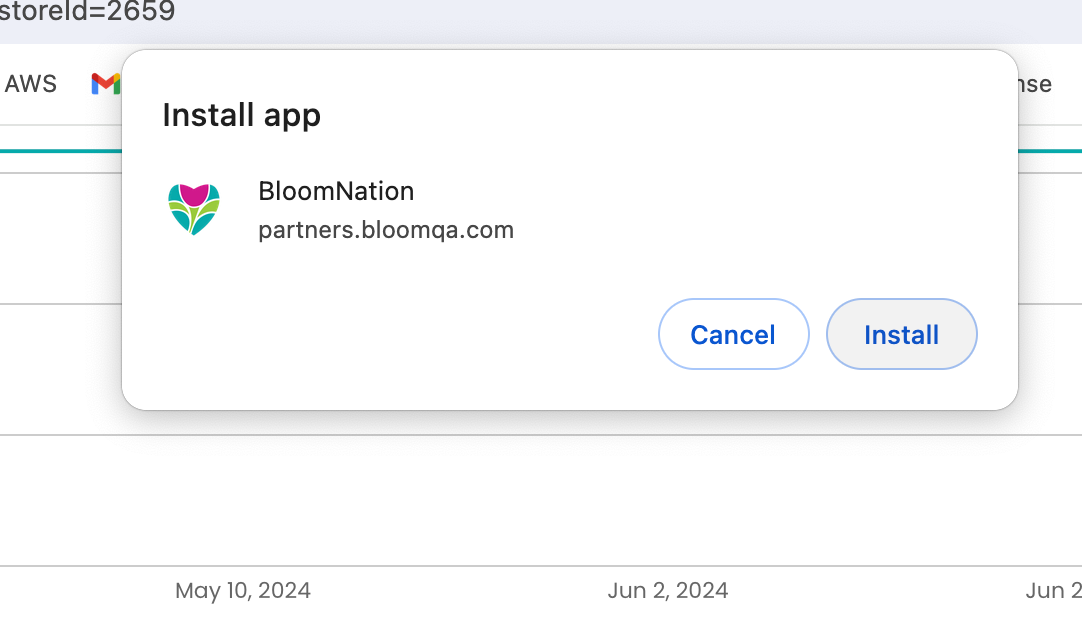
This will bring up a popup menu which will prompt you to install the app.
-
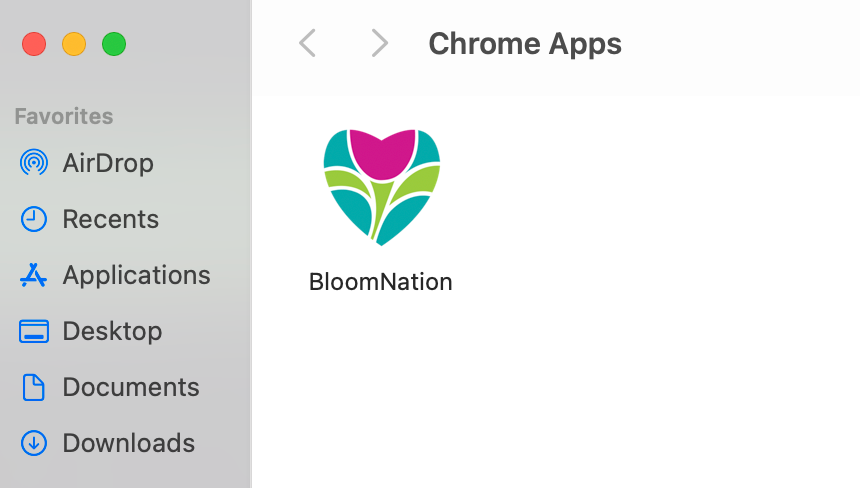
After installing, you will have a new application called “BloomNation” on your computer, which will open the BloomNation Dashboard in it’s own window instead of using your web browser.